API integrations of !SEMTools
All API integrations of the !SEMTools add-in for Excel: ChatGPT, Gemini, DeepSeek, Claude, Ollama, DeepL, Google Translate and SEO services.
API integrations are available in the PRO version of !SEMTools.
4 min
Loading CSV files and web data into Excel, connecting AI models and other services through their APIs, and scraping data from websites.
All API integrations of the !SEMTools add-in for Excel: ChatGPT, Gemini, DeepSeek, Claude, Ollama, DeepL, Google Translate and SEO services.
API integrations are available in the PRO version of !SEMTools.
How to edit hundreds of hyperlinks in Excel at once: extract the URLs, change link text and URL parameters with formulas, and build clickable links back.
Making a link in Excel by hand or with the HYPERLINK function is easy. But if you need to edit dozens or hundreds of links at once, it gets tedious. Especially…
How to connect the ChatGPT API to Excel: get an OpenAI API key, set the model in !SEMTools and process thousands of prompts from a sheet. Costs.
If you’re looking for an AI model to work with Excel, ChatGPT is one of the best candidates. It answers almost any question in a human-like way and solves tasks…
How to connect Claude to Excel: get an Anthropic API key, choose a model, process whole columns with one prompt, limits, errors and OpenRouter.
Claude is a family of AI models by Anthropic. People like it for careful work with long texts, precise instruction following and natural, non-template language.…
How to connect the DeepSeek API to Excel: get an API key, save it in !SEMTools and process hundreds of prompts from a sheet. Free and local options.
DeepSeek shook the market in January 2025 with its R1 model, which matched leading OpenAI models on a number of standard benchmarks at a fraction of the…
How to connect Gemini to Excel: get a key in Google AI Studio, choose a Flash or Pro model, process cells in bulk, fix errors, use OpenRouter.
Gemini is Google’s family of AI models. They work with text in dozens of languages and stand out for their large context window and fast lightweight models.…
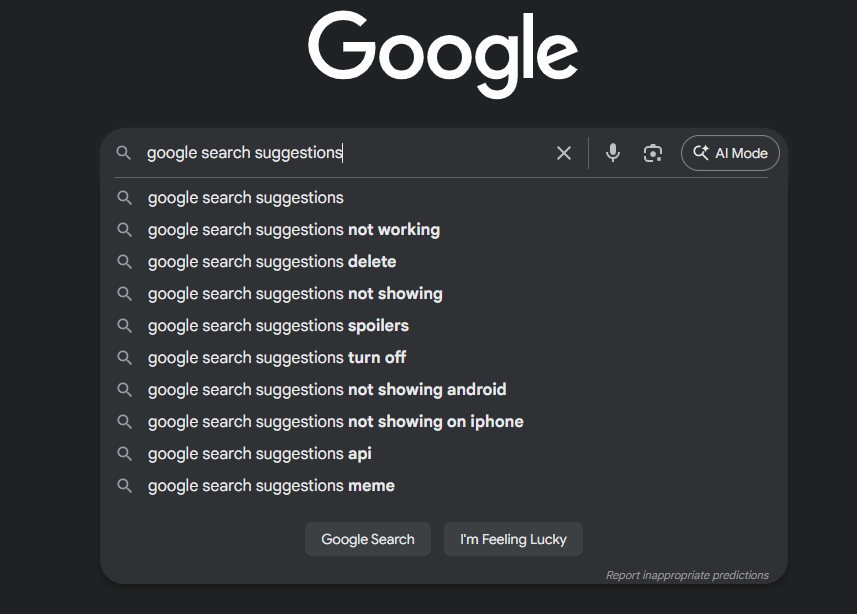
Collect thousands of Google and YouTube autocomplete suggestions into Excel for free in a couple of clicks. Speed up keyword research for SEO and PPC.
Autocomplete suggestions from Google and YouTube are a goldmine for discovering how people actually search online. They reveal trending topics, common queries…
How to combine multiple CSV files into one: Power Query from a folder, a VBA macro that keeps one header, the command line and a free 2-click Excel tool.
Excel opens small CSV files easily, but often there are many files of the same kind, such as daily exports, reports by region or keyword lists, and you need to…
How to import CSV, TSV and TXT files into Excel: File Open, Power Query, encoding and leading zero issues, and sampling from files of any size.
Importing data from CSV, TSV and other text formats is an everyday task for SEO specialists, analysts and marketers. Exports from ad platforms, search consoles…
How to connect LM Studio to Excel: install the app, start the server, choose a model in !SEMTools and process whole columns with local AI — no API keys or fees.
LM Studio is a free app that runs AI models right on your computer. No cloud services, no API keys and no per-token billing: you download a model once, and the…
How to use Ollama with Excel: install it, manage models from the command line and process thousands of prompts with a local LLM in !SEMTools.
Here is a short introduction to Ollama and, most importantly, how to use it to process hundreds and thousands of requests at once in good old Microsoft Excel.
How to connect OpenRouter to Excel: list the models, get and save an API key in !SEMTools and process prompts in bulk, including with free models.
With AI integration, Excel becomes a powerful tool for analyzing, processing and generating data. But why OpenRouter? It brings together hundreds of language…
Bulk-collect page titles, H1 headings and meta descriptions from a list of URLs right in Excel. Analyze competitors and write better meta tags.
Title and H1 tags play an important role in search engine ranking. One reliable way to write optimized meta tags is to analyze competitors’ pages.
How to connect the Perplexity API to Excel: API key, sonar models, search depth and source language, bulk web search for company lists, errors.
Perplexity is an AI model that searches the web before answering. Unlike regular language models, it knows fresh news, prices and facts, not just what got into…
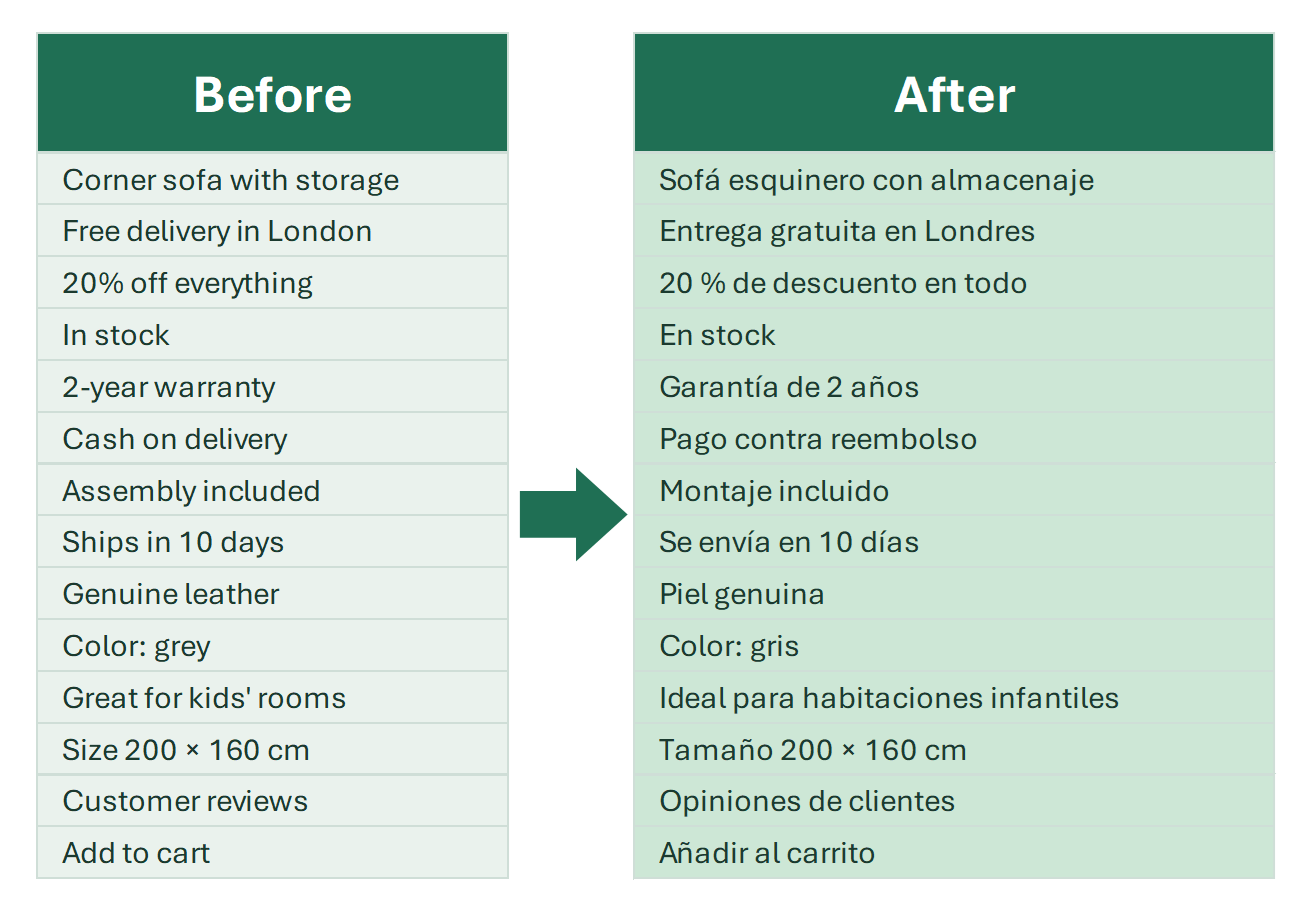
Translate Excel cells with DeepL, one of the most accurate machine translators. Connect the DeepL API and translate a whole column with one tool.
DeepL is a translation service based on deep learning and neural networks—something you can guess from its name (Deep Learning).

Translate whole columns with Google Translate in Excel: a GOOGLETRANSLATE equivalent, one-click translation tool and paid API setup.
Google Translate is a convenient tool for quick, high-quality text translation. However, the web version of the service is not very practical when you need to…
Web scraping in Excel with regular expressions: product prices and stock status, service prices, contacts, images and product card counts from a list of URLs.
Web scraping in Excel means you paste a list of page URLs into a column, and the add-in downloads every page and pulls out what you need: price, stock status…

AI for Excel work: analyze data, create formulas and VBA macros, process and analyze text, and integrate AI models directly into Excel via API.
AI models, also called LLMs (large language models) or neural networks, are powerful tools for analyzing, processing and transforming data. When AI got APIs…