Features of !SEMTools
↑ Навигация по задачам в Excel и возможностям надстройки !SEMTools ↑

SEO and keywords

Building and cleaning keyword lists, lemmatization, n-grams, slug generation and scraping Title and H1 in Excel: tools and tricks for SEO work.

Excel word combinations generator

A free tool to generate linear combinations of phrases from words right in Excel. Multiply word lists instantly, like popular online generators.

I made a word combination generator - a simple tool in Excel to combine words and phrases. I'll show you how to use it. Sometimes you need to generate multiple…

Extract phrases from text in Excel

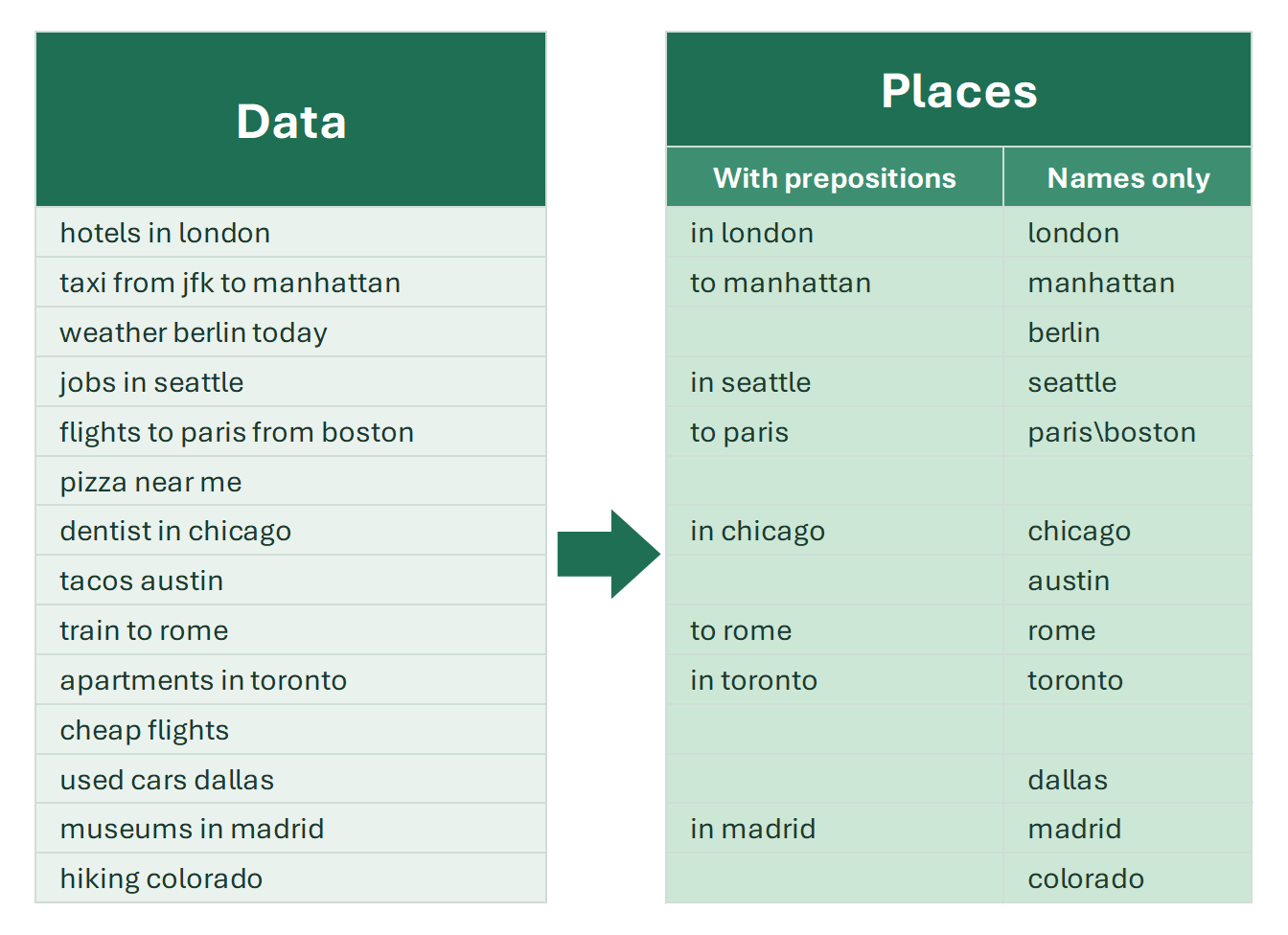
A tool to extract phrases from a list out of Excel data, including two-word city names and other toponyms, with or without prepositions.

Like extracting individual words, extracting phrases is not a built-in feature in Excel. Before you delete phrases from text, it’s important to make sure no…

Google search suggestions – get thousands of them to Excel

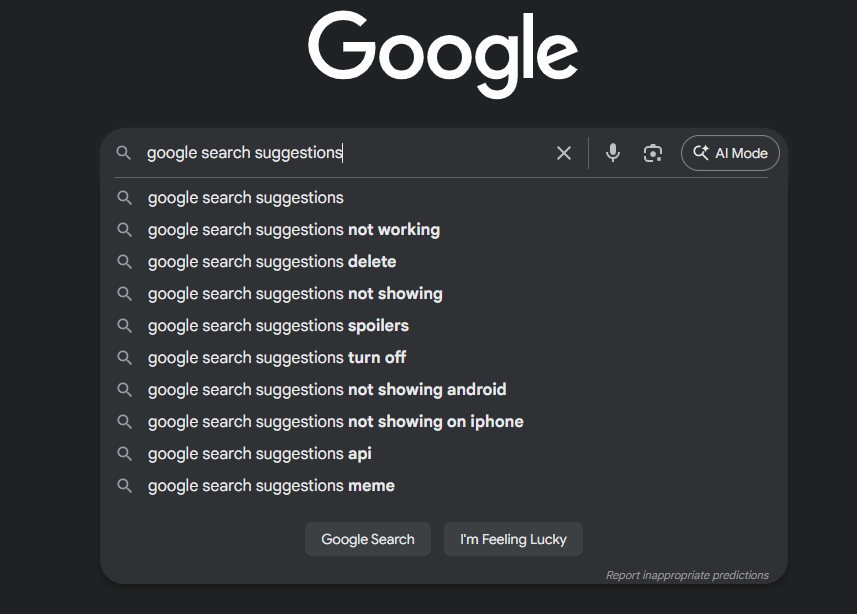
Collect thousands of Google and YouTube autocomplete suggestions into Excel for free in a couple of clicks. Speed up keyword research for SEO and PPC.

Autocomplete suggestions from Google and YouTube are a goldmine for discovering how people actually search online. They reveal trending topics, common queries…

Lemmatize words in Excel cells

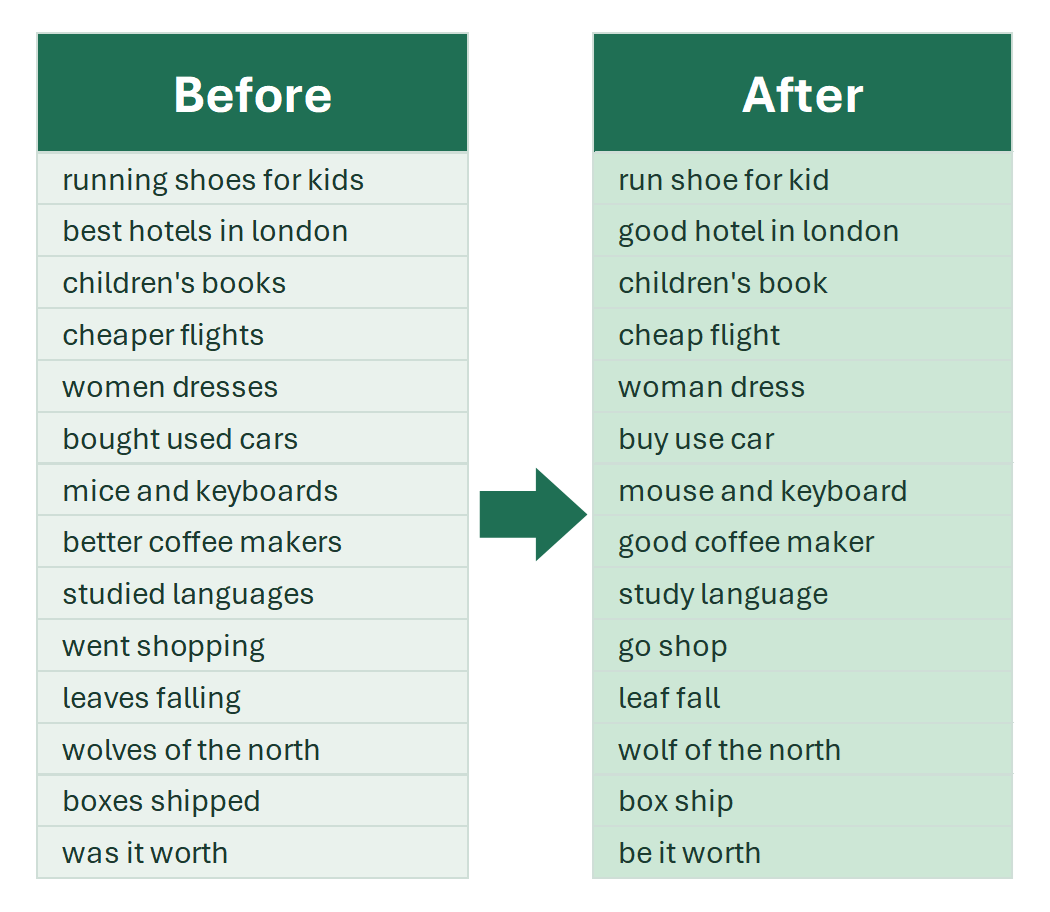
Lemmatize text in Excel: process tens and hundreds of thousands of rows instantly for keyword grouping and analysis. How the tool works, step by step.

Lemmatization is the process of transforming a word into its base form, or lemma. The lemma differs depending on the part of speech. For example:

N-gram analysis in Excel

Count unique words in text and list them with frequency, analyze n-grams of search queries, find negative keywords. All about n-gram analysis in Excel.

For search advertising and SEO, n-gram analysis is one of the most effective approaches. For a long time, implementing reliable n-gram algorithms was practical…

N-gram analysis in PPC

What n-gram analysis is and how it helps in PPC: preventing DSA cannibalization, finding user intents and ineffective word combinations in search terms with Excel.

In semantic text analysis, n-gram analysis is one of the key methods. It reveals all unique words and word combinations in a text and counts how often each…

Open all links in Excel at once

How to open all hyperlinks from selected Excel cells at once: a VBA macro that also opens text URLs, and a free !SEMTools procedure that does it in one click.

Available in the free version of !SEMTools for Excel.

4 min

Parsing Title, H1, Description in Excel

Bulk-collect page titles, H1 headings and meta descriptions from a list of URLs right in Excel. Analyze competitors and write better meta tags.

Title and H1 tags play an important role in search engine ranking. One reliable way to write optimized meta tags is to analyze competitors’ pages.

Search cell contents in Google from Excel

Search the contents of Excel cells in Google or Yandex in one click: a HYPERLINK formula with ENCODEURL and a procedure that opens a tab per cell.

Working with a list of keywords, URLs or product names, and need to check each of them in a search engine quickly? The “Find in Google” and “Find in Yandex”…

8 min

SEM & SEO tools

Excel tools for SEO and PPC specialists: scraping search suggestions and meta tags, n-gram and semantic analysis, keyword combinations, custom metrics.

SEM & SEO tools are set aside in !SEMTools so as not to mix them with the more common functions that any Excel user needs. This group contains the functions for…

Slug generator in Excel: SEO-friendly URLs

How to turn page titles into SEO-friendly URL slugs in Excel: a REGEXREPLACE formula, transliterating diacritics, removing punctuation and stop words.

Human-readable URLs, or slugs, are an important element of SEO and user experience. The main requirements for a slug are simplicity, clarity and universality.…

Web scraping in Excel

Web scraping in Excel with regular expressions: product prices and stock status, service prices, contacts, images and product card counts from a list of URLs.

Web scraping in Excel means you paste a list of page URLs into a column, and the add-in downloads every page and pulls out what you need: price, stock status…